Go to your User Profile
Enter your mobile phone number
Enable SMS Notifications
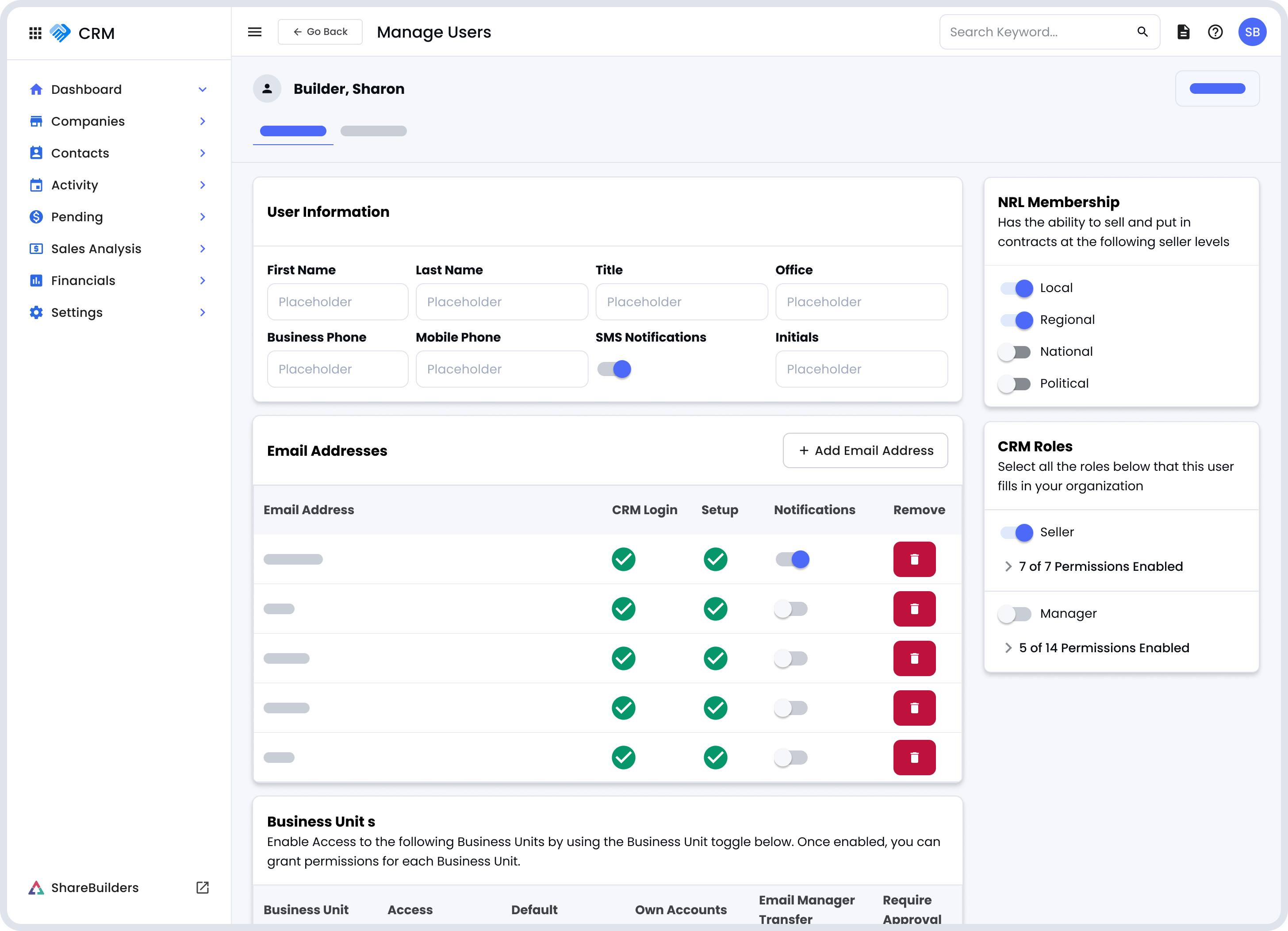
A SMS will be sent to your mobile phone with a verification code. Enter your verification code into the popup and then select Verify Phone Number
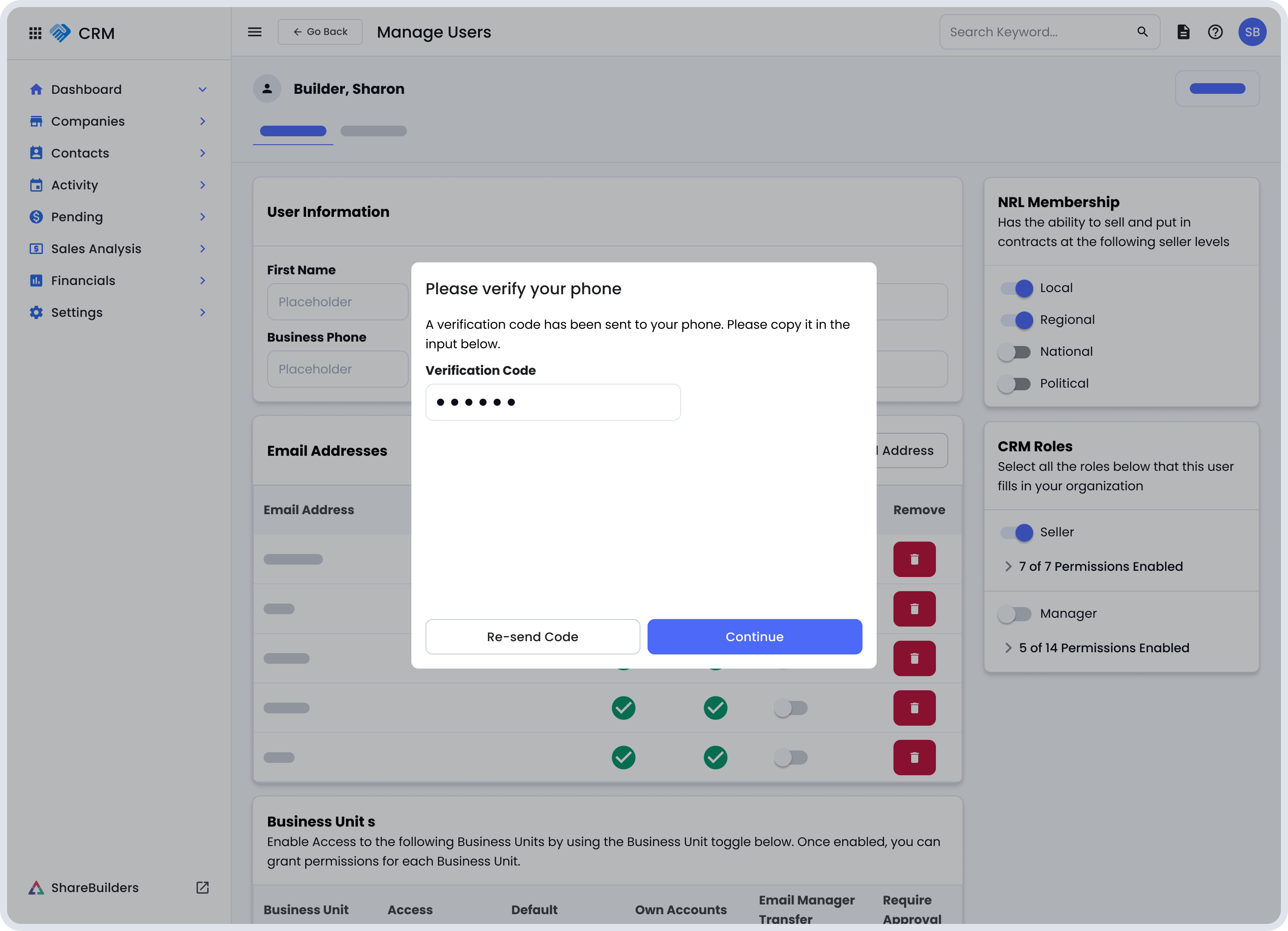
Once you successfully verify your mobile number, you will receive a SMS Opt-in message on your device.
After your number is verified, you will receive a confirmation text message from ShareBuilders.
Reply with:
YES (or START)
This confirms that you agree to receive SMS notifications.
You will not receive any SMS messages unless you complete this step.
Once opted in, you may receive:
Account notifications
Activity reminders
Customer care updates related to ShareBuilders CRM
Message frequency varies based on your account activity.
Standard message and data rates may apply.
You can stop receiving messages at any time by replying:
STOP
